🚚 Free Worldwide Shipping on All Orders!Shop Now
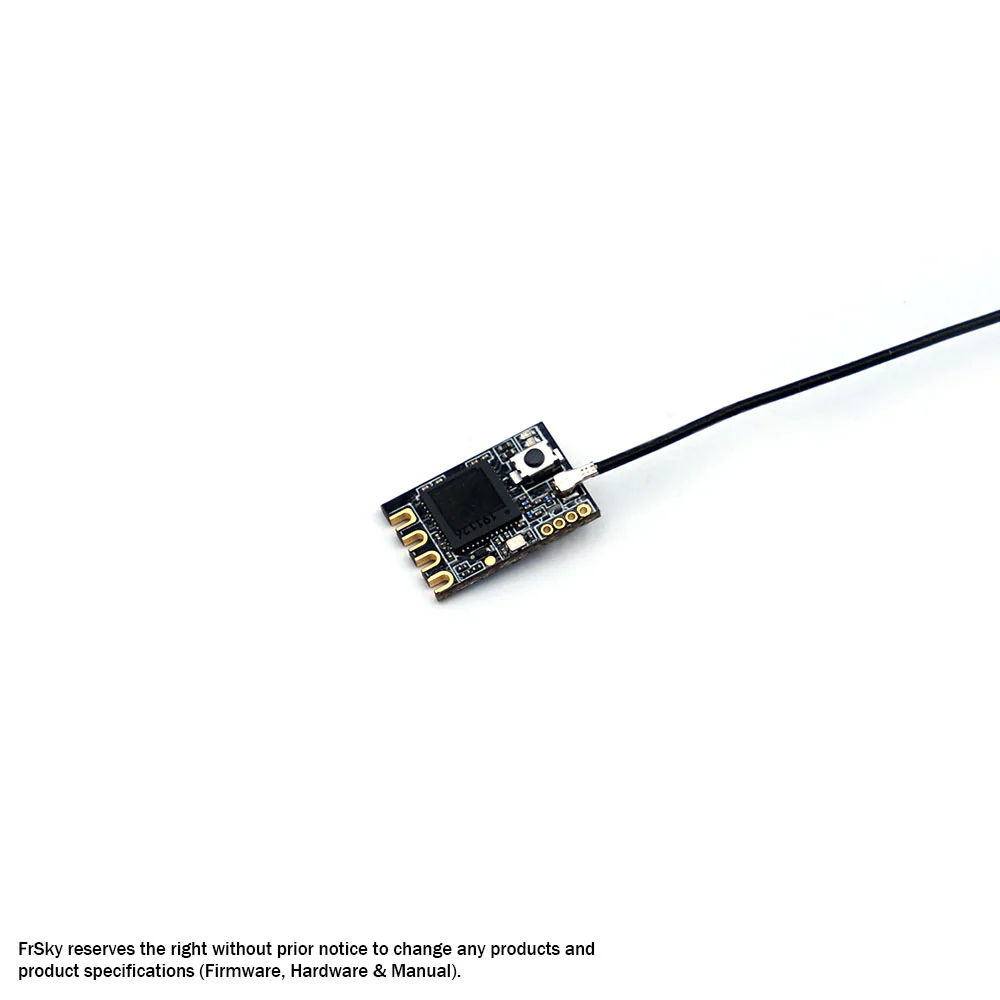
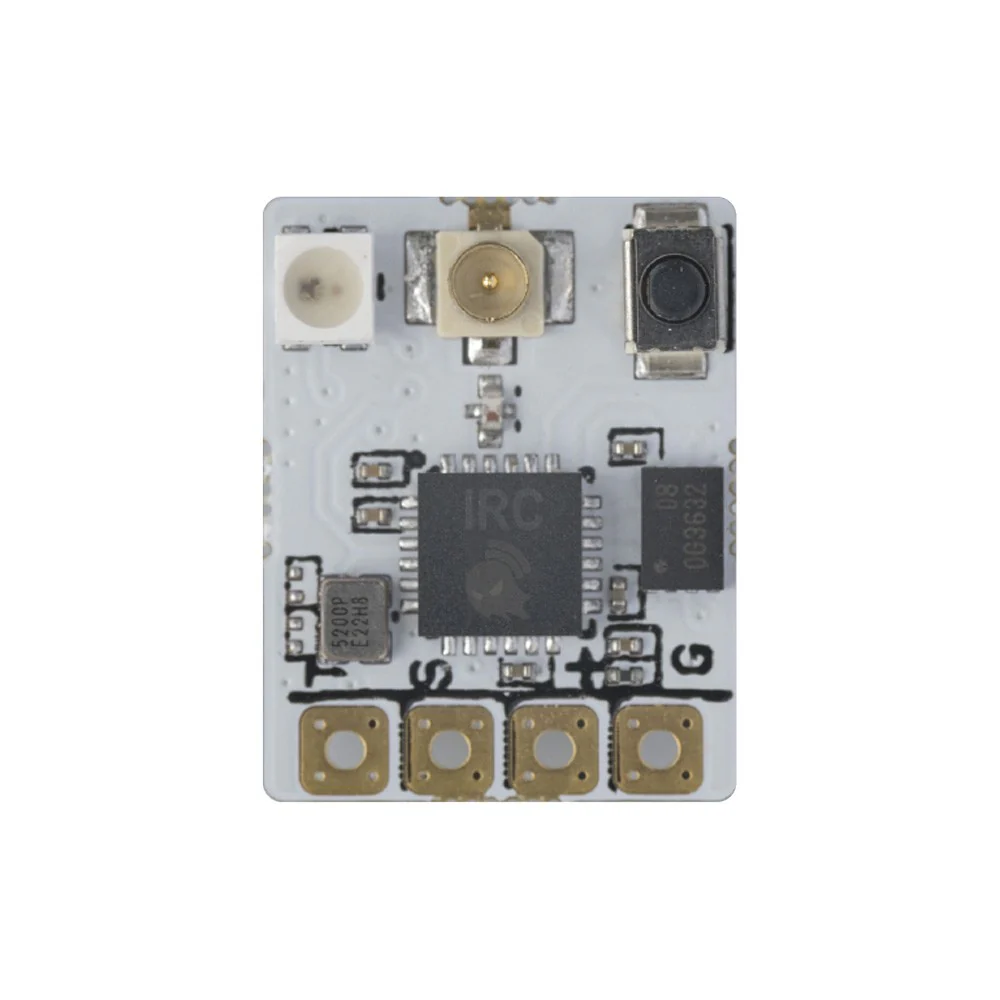
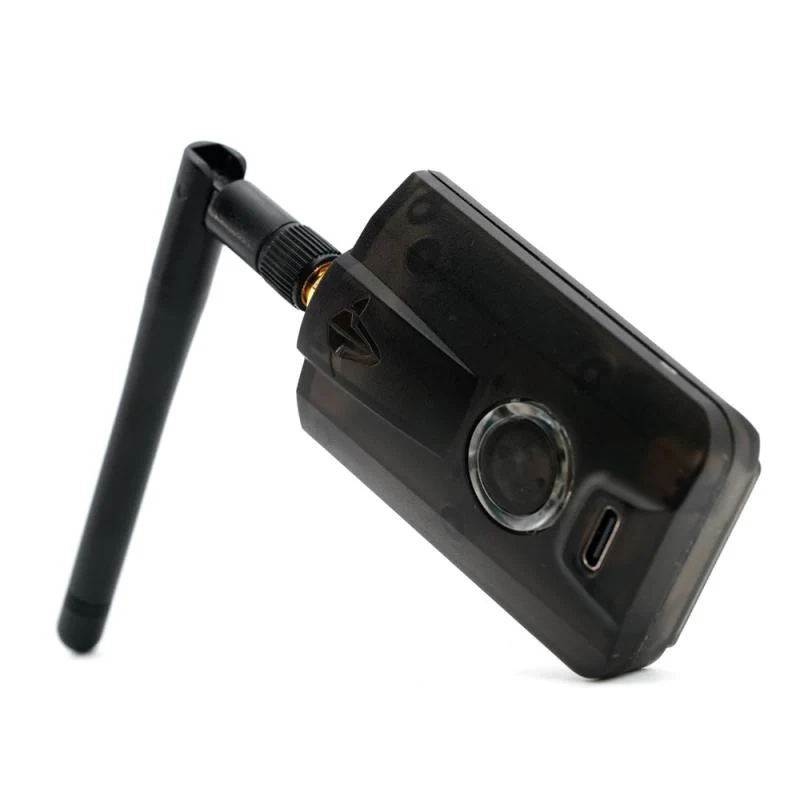
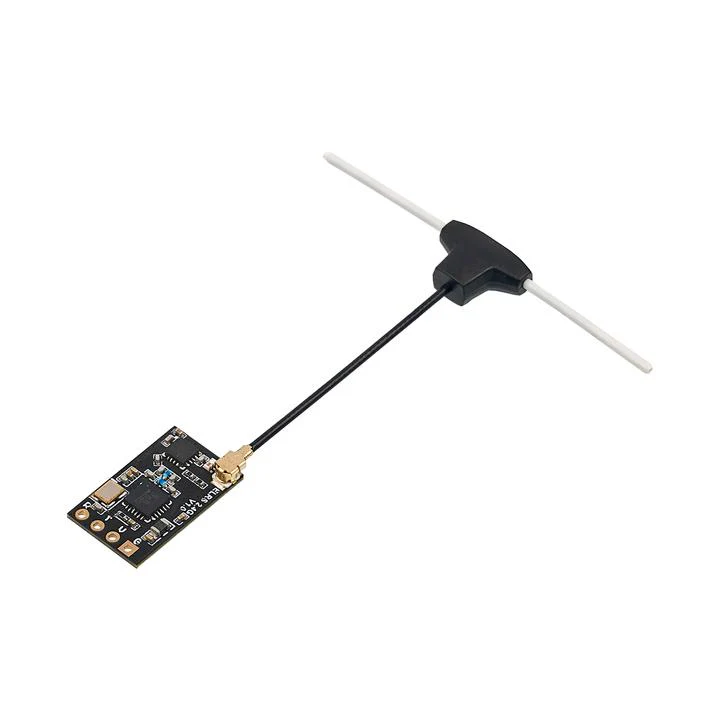
MATEK ELRS-R24-TD ExpressLRS 2.4GHZ True Diversity Receiver
ELRS has quickly become one of the most popular link system choices for many pilots, and we are excited to bring Matek's lineup of these receivers to you.
You know it's quality when it's Matek!
Check out our ExpressLRS Collection, all our Receivers and the rest of our Matek products!
Specifications:
- ESP32-PICO-D4, SX1281, ExpressLRS Firmware
- PA/LNA: AT2401C
- RF Frequency: 2.4GHz ISM
- Telemetry power: 20dbm (100mW)
- True Diversity
- Receiver protocol: CRSF
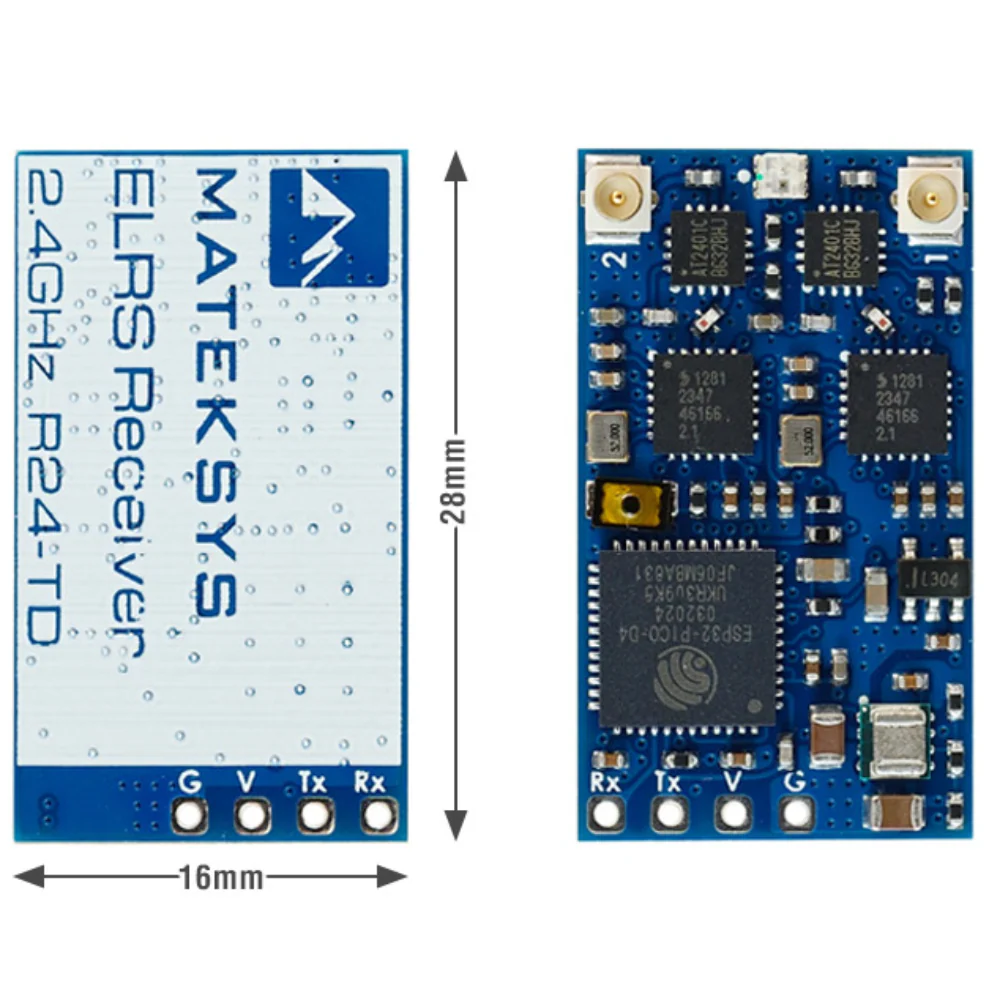
- Antenna connector: IPEX MHF-1
- Power supply: 4-13V DC @ “V” Pad
- Power dissipation: 100mA~170mA@5V IN
- PCB size: 28mm x 16mm
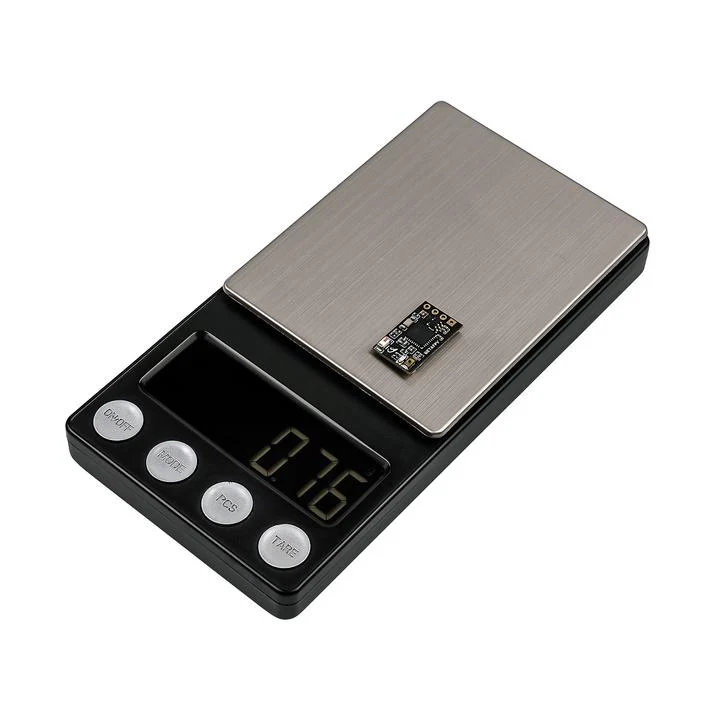
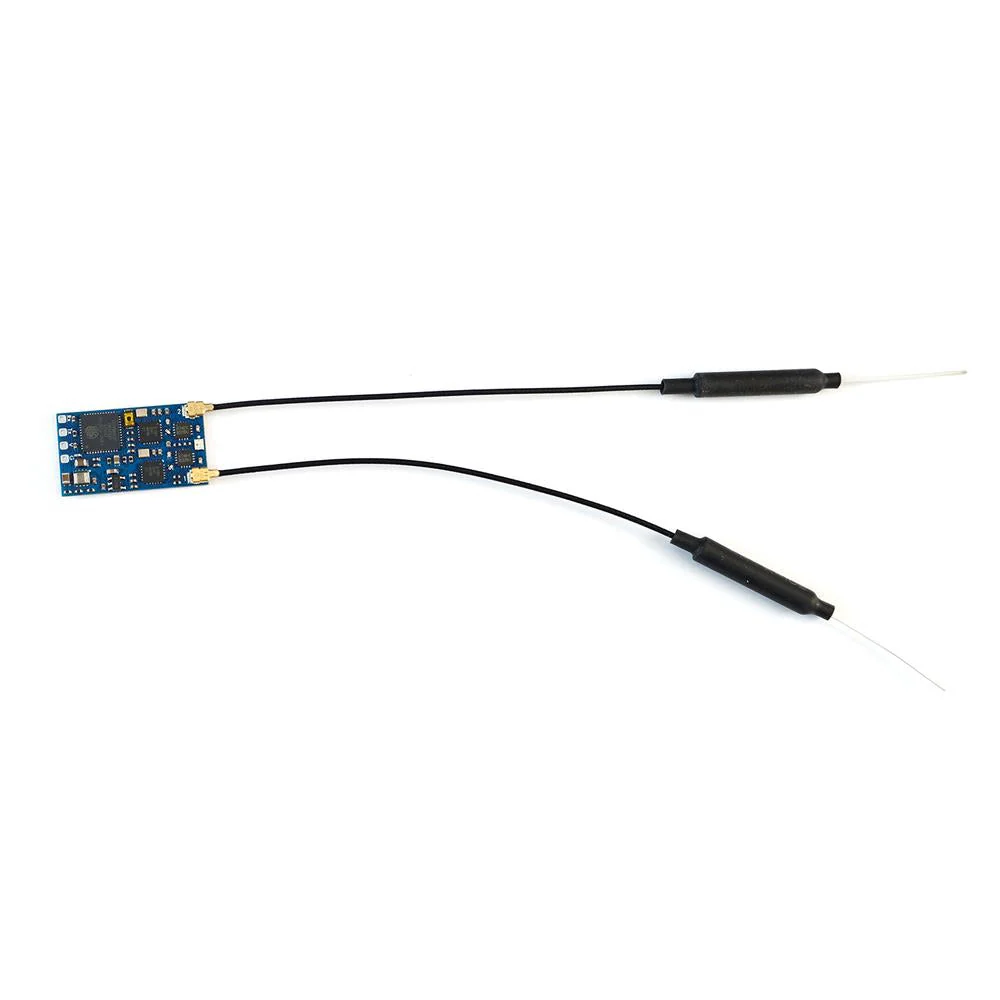
- Weight: 4g w/ antenna
RGB LED Status
- [Rainbow fade effect], Starting Up
- [Green heartbeat], Web update mode enabled
- [Slow blink 500ms on/off ], Waiting for connection from transmitter
- [Red flashing 100ms on/off], Radio chip not detected
- [Orange Double blink then pause], Binding mode enabled
- [Orange Triple blink then pause], Connected to transmitter but mismatched model-match configuration
- [Solid single color Connected to a transmitter], color indicates packet rate
- in Boot mode, RGB LED doesn’t light up.
Firmwares
- ExpressLRS, wiki, Click HERE
- Receiver Target: Generic targets used as a base 2.4 GHz > > Generic ESP32 True Diversity PA 2.4Ghz RX
- Receiver has ExpressLRS 3.3.2 preloaded with binding phrase “123456”, the Receiver will never enter binding mode if using the traditional binding procedure.
- You need to reflash it with your binding phrase OR connect it to your PC/phone via WiFi and set your binding phrase in WebUI.
Tips
- Full Resolution Switch Configuration Modes
- Powering receiver with Reverse Voltage will damage the regulator chip. DOUBLE CHECK the power wires connected to the receiver.
Flashing via Wifi
- Power on receiver. RGB LED Rainbow fade effect at first, then Slow blink 500ms on/off. after 20s, Green blink indicating it’s on Wifi Hotspot Mode.
- Wifi SSID “ExpressLRS RX”, Password “expresslrs”
- More detailed steps, pls refer this page.
Flashing via UART
- Wire the receiver into the USB-TTL adapter, with TX on receiver connected to the Rx on the USB-TTL, and RX on receiver connected to the Tx of the USB-TTL. Wire 5V and GND of the USB-TTL to 5V and GND of the Receiver.
- Press the boot button while powering on the receiver, then release – the RGB LED will not turn on.
- Configurator 1.6.x or newer, Select the target Generic targets used as a base 2.4 GHz –> Generic ESP32 True Diversity PA 2.4Ghz RX and “UART” for Flashing Method, set your bind phrase and Firmware Options , Check “erase before flash” and “Force FLash “.
- Web-flasher https://expresslrs.github.io/web-flasher/
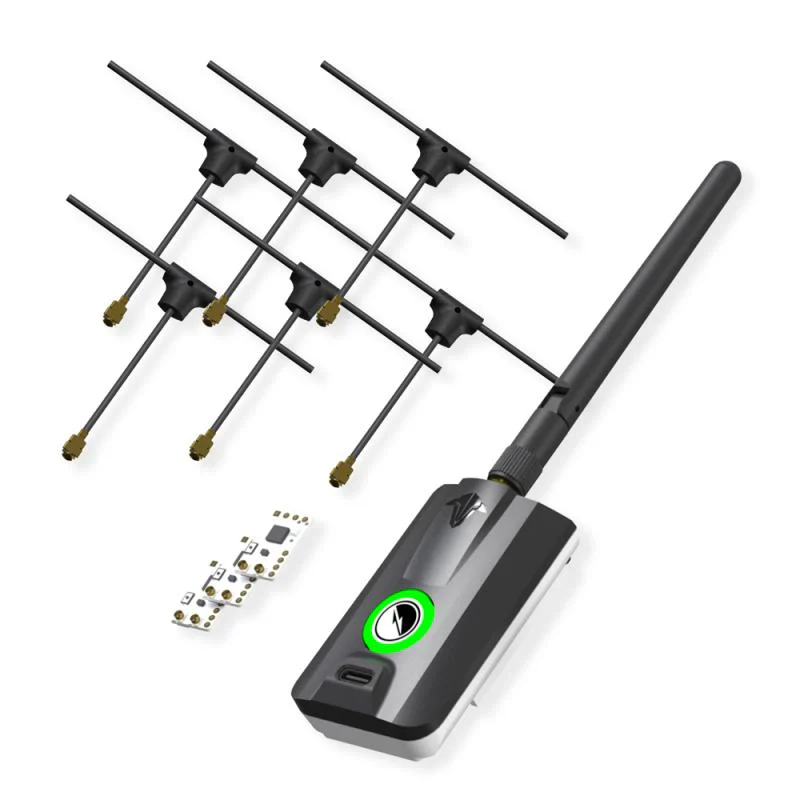
Package Includes:
- 1x ELRS-R24-TD
- 2x IPEX MHF1 Antennas. 15cm
$32.99
MATEK ELRS-R24-TD ExpressLRS 2.4GHZ True Diversity Receiver—
$32.99
Description
ELRS has quickly become one of the most popular link system choices for many pilots, and we are excited to bring Matek's lineup of these receivers to you.
You know it's quality when it's Matek!
Check out our ExpressLRS Collection, all our Receivers and the rest of our Matek products!
Specifications:
- ESP32-PICO-D4, SX1281, ExpressLRS Firmware
- PA/LNA: AT2401C
- RF Frequency: 2.4GHz ISM
- Telemetry power: 20dbm (100mW)
- True Diversity
- Receiver protocol: CRSF
- Antenna connector: IPEX MHF-1
- Power supply: 4-13V DC @ “V” Pad
- Power dissipation: 100mA~170mA@5V IN
- PCB size: 28mm x 16mm
- Weight: 4g w/ antenna
RGB LED Status
- [Rainbow fade effect], Starting Up
- [Green heartbeat], Web update mode enabled
- [Slow blink 500ms on/off ], Waiting for connection from transmitter
- [Red flashing 100ms on/off], Radio chip not detected
- [Orange Double blink then pause], Binding mode enabled
- [Orange Triple blink then pause], Connected to transmitter but mismatched model-match configuration
- [Solid single color Connected to a transmitter], color indicates packet rate
- in Boot mode, RGB LED doesn’t light up.
Firmwares
- ExpressLRS, wiki, Click HERE
- Receiver Target: Generic targets used as a base 2.4 GHz > > Generic ESP32 True Diversity PA 2.4Ghz RX
- Receiver has ExpressLRS 3.3.2 preloaded with binding phrase “123456”, the Receiver will never enter binding mode if using the traditional binding procedure.
- You need to reflash it with your binding phrase OR connect it to your PC/phone via WiFi and set your binding phrase in WebUI.
Tips
- Full Resolution Switch Configuration Modes
- Powering receiver with Reverse Voltage will damage the regulator chip. DOUBLE CHECK the power wires connected to the receiver.
Flashing via Wifi
- Power on receiver. RGB LED Rainbow fade effect at first, then Slow blink 500ms on/off. after 20s, Green blink indicating it’s on Wifi Hotspot Mode.
- Wifi SSID “ExpressLRS RX”, Password “expresslrs”
- More detailed steps, pls refer this page.
Flashing via UART
- Wire the receiver into the USB-TTL adapter, with TX on receiver connected to the Rx on the USB-TTL, and RX on receiver connected to the Tx of the USB-TTL. Wire 5V and GND of the USB-TTL to 5V and GND of the Receiver.
- Press the boot button while powering on the receiver, then release – the RGB LED will not turn on.
- Configurator 1.6.x or newer, Select the target Generic targets used as a base 2.4 GHz –> Generic ESP32 True Diversity PA 2.4Ghz RX and “UART” for Flashing Method, set your bind phrase and Firmware Options , Check “erase before flash” and “Force FLash “.
- Web-flasher https://expresslrs.github.io/web-flasher/
Package Includes:
- 1x ELRS-R24-TD
- 2x IPEX MHF1 Antennas. 15cm